Application Flow
Public to Authenticated Journey
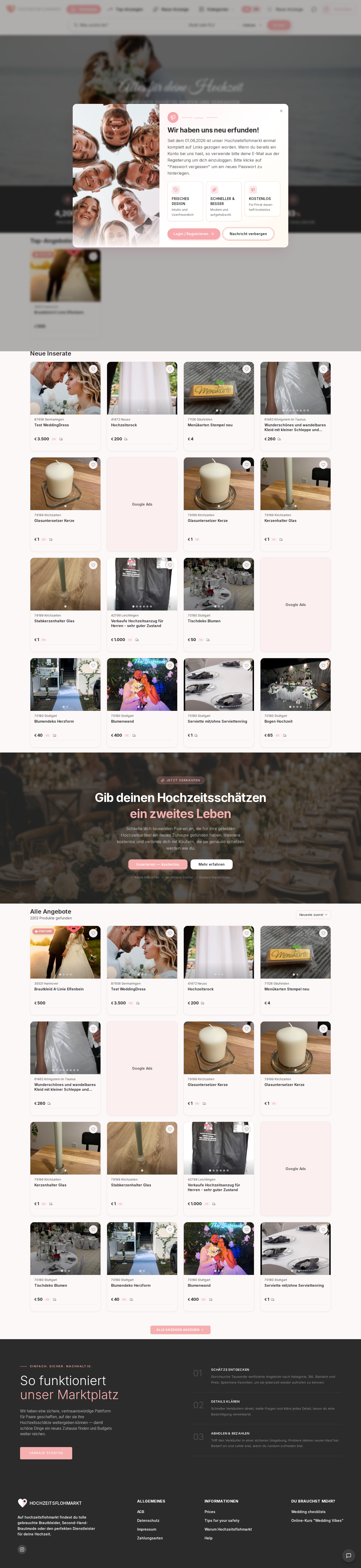
- User opens the public storefront home page
- User browses categories, listings, seller pages, pricing, and CMS pages
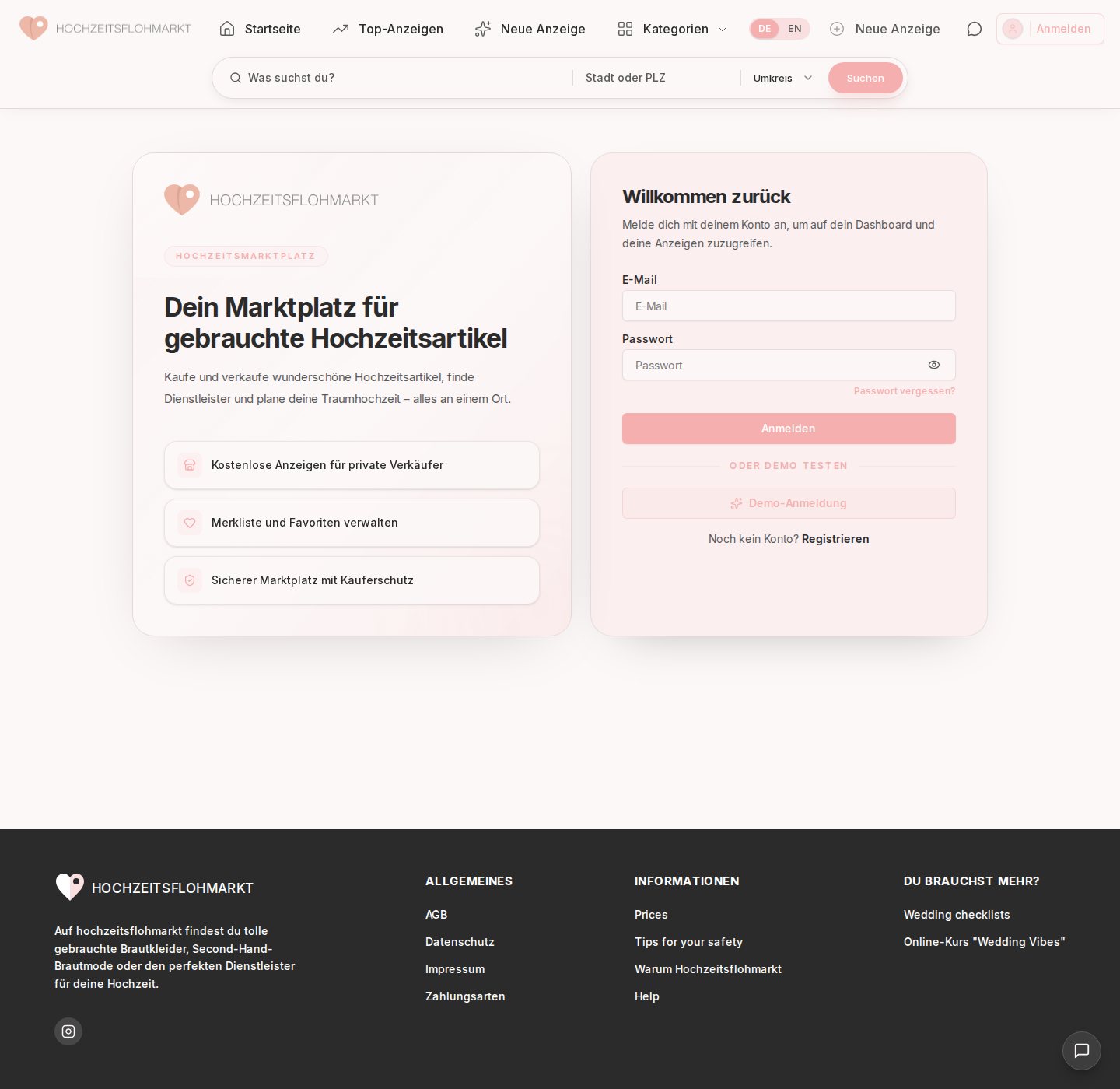
- User logs in or signs up from landing auth routes
- Backend session is established
- User is redirected into the dashboard app
- Role-based navigation determines the available modules
Seller Journey
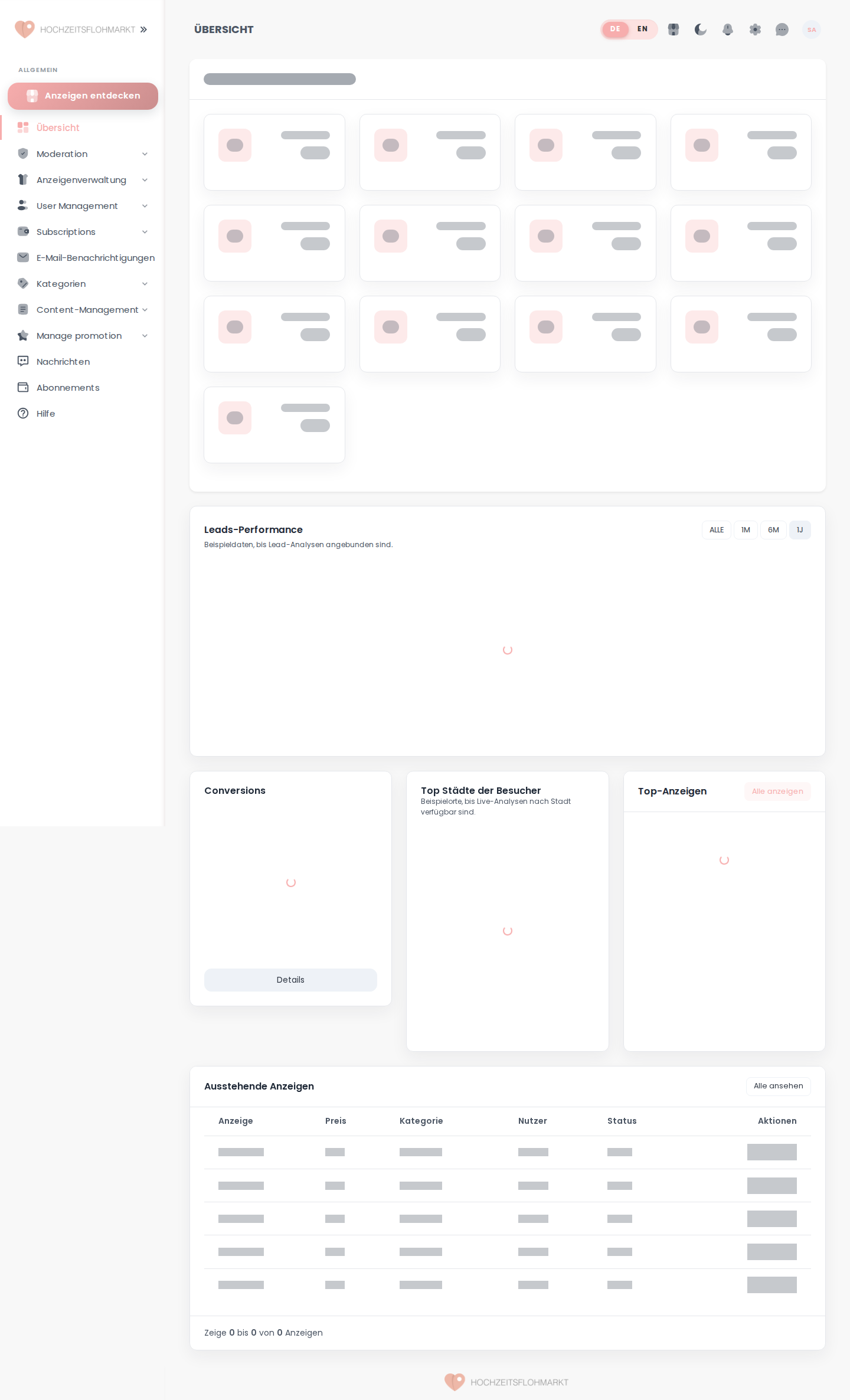
- Open dashboard
- Review overview cards / activity
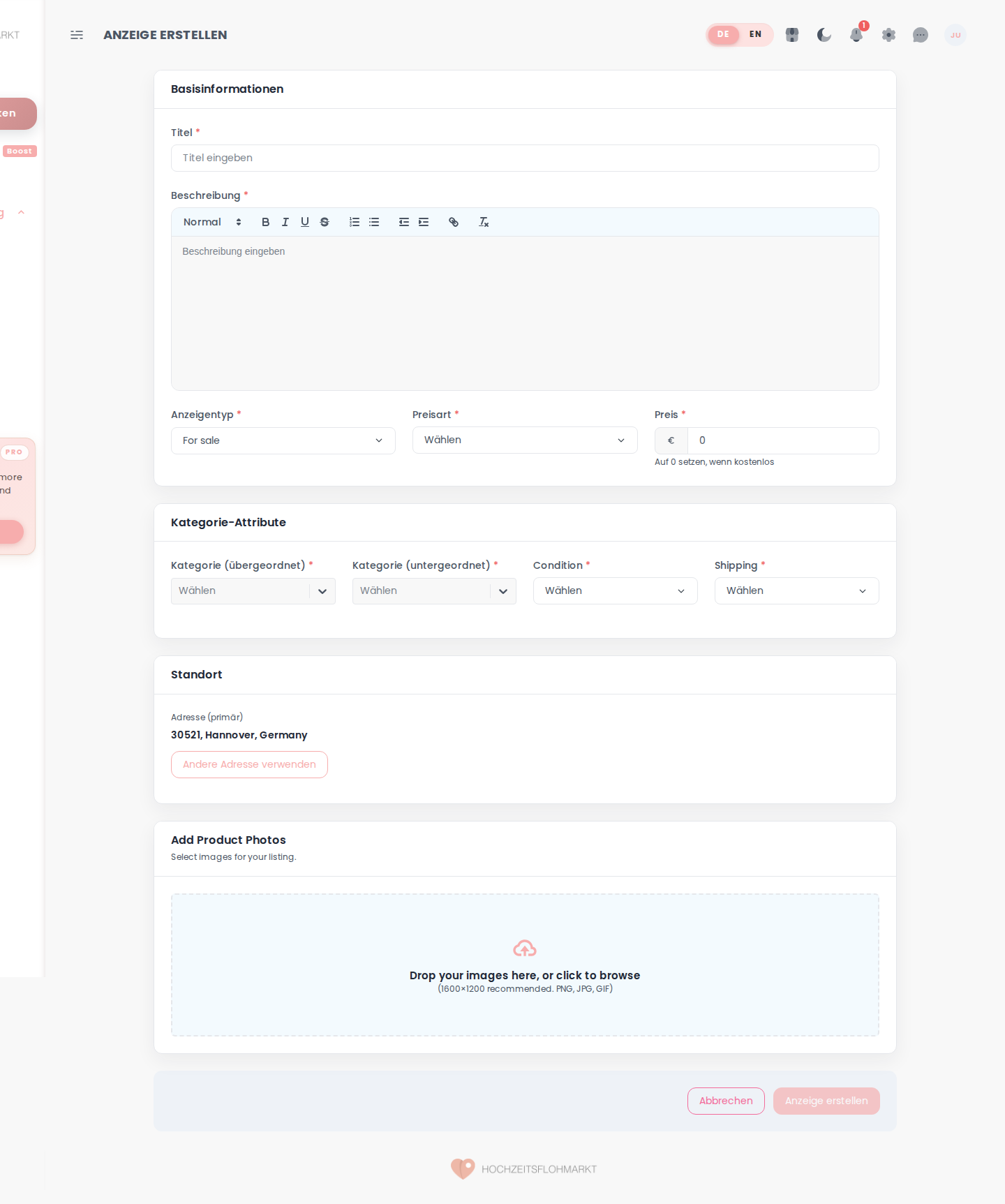
- Manage or create listings
- Upload media
- Use watchlist / messages / invoices as needed
- Open pricing or promotions when upgrade/visibility is needed
Super Admin Journey
- Open dashboard
- Monitor platform-level stats
- Review listing moderation queue
- Review reports queue
- Manage users
- Maintain plans, invoices, categories, and CMS content
- Monitor listing promotions and promotion packages
Route Hand-Offs Worth Noting
- Landing auth routes feed the dashboard app
- Dashboard pricing/payment helper routes redirect back to landing pages
- Legacy
/products/*routes map to/listings/* - Legacy dashboard auth routes map back to landing auth pages
Visual Reference